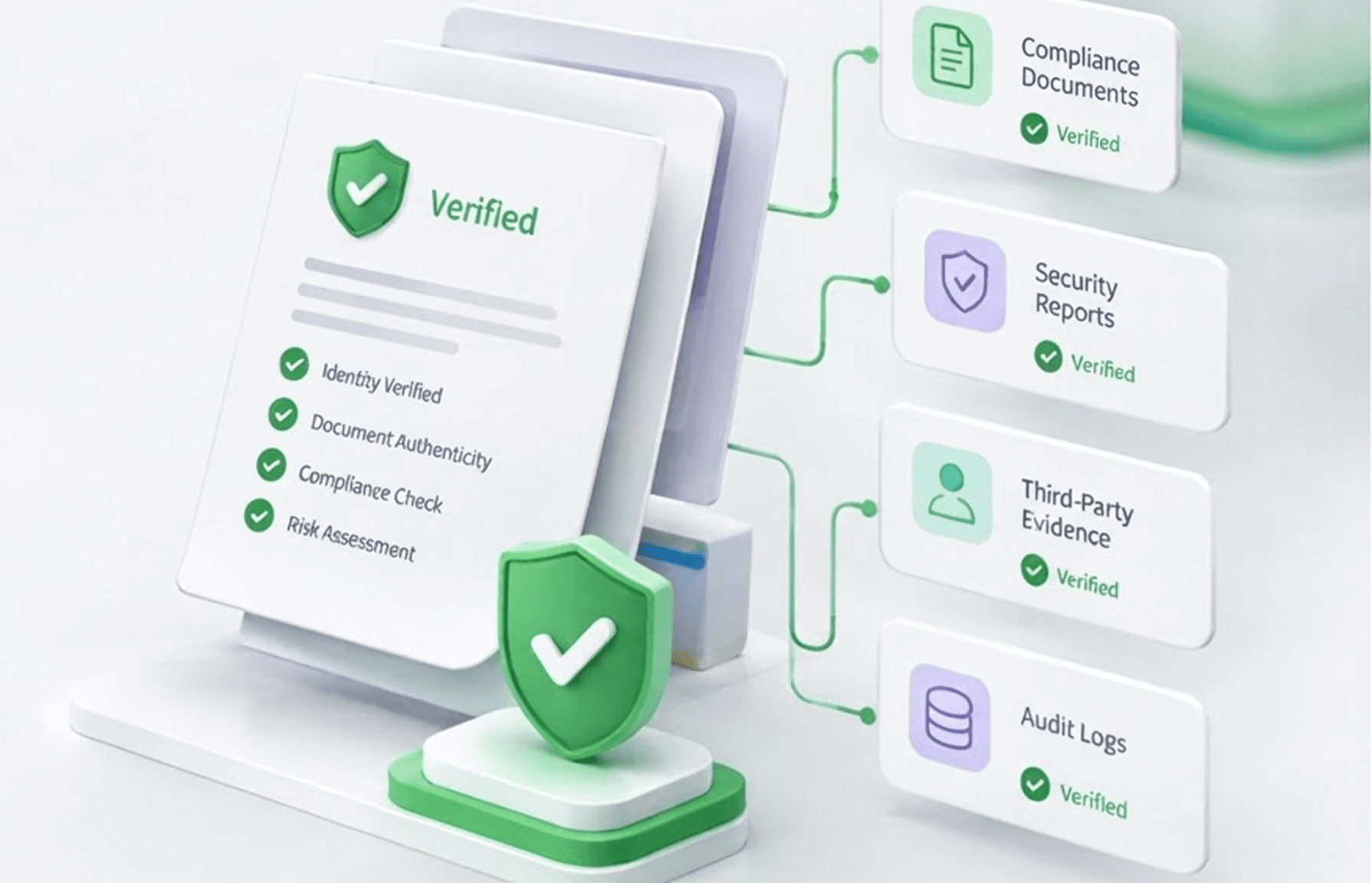
All Your Trust CenterOperations. One Platform.
Manage your organization's security information, compliance credentials, supporting documents and customer access through one centralized, branded Trust Center.
Document Access
Security Policies
Published documentation
Audit Reports
Approval required
Access Requests
Request for Audit Reports
Business email verified
Documents
UploadSecurity Policy
Version history
Audit Report
Replace outdated file
Certification
Validity & expiry dates
Supporting Document
Access activity tracked
Explore Trust Hub Capabilities
Discover the tools that help your organization organize, manage and share trust information with customers.
Manage and Showcase YourSecurity Practices.
Organize the security controls that reflect your organization's practices and decide which information customers can view through your Trust Center.
What you can do
- Browse and search categorized security controls.
- Select relevant controls for your Trust Center.
- Edit control descriptions to reflect your organization's practices.
- Manage the public visibility of selected controls.
- Add custom controls where supported.
BUSINESS VALUE
Present your security practices consistently, improve transparency and reduce the effort involved in answering recurring customer security questions.
Access Control
Public · Selected
Data Protection
Public · Selected
Incident Response
Hidden
Custom control
Added by your team
Keep Security DocumentationOrganized and Current.
Bring the documents customers need to review into one place. Manage their validity, maintain updated versions and keep track of document activity.
What you can do
- Upload and organize security policies, certifications, audit reports and supporting documents.
- Manage document validity and expiry dates.
- Replace outdated files and maintain version history.
- Track document access and activity.
- Manage documents in bulk where supported.
BUSINESS VALUE
Maintain up-to-date documentation, reduce manual document handling and improve visibility into the information shared with customers.
Documents
UploadSecurity Policy
Version history
Audit Report
Replace outdated file
Certification
Validity & expiry dates
Supporting Document
Access activity tracked
Get a Head Start on YourTrust Center.
Set up your Trust Center using pre-mapped templates that provide a structured starting point for organizing your organization's trust information.
What you can do
- Choose from available pre-mapped templates.
- Start with a predefined Trust Center structure.
- Customize the template to suit your organization's requirements.
- Organize the information you want to showcase.
BUSINESS VALUE
Reduce initial setup effort, simplify configuration and establish a more organized foundation for presenting trust information.
Choose a template
Template structure
Decide Who Can AccessWhat.
Choose which documents are publicly available and which require approval. Manage customer access requests while maintaining control over sensitive information.
What you can do
- Set documents as public or restricted.
- Review, approve or reject access requests.
- Verify business email addresses as part of access workflows, where supported.
- Whitelist trusted business domains.
- Allow eligible domains to bypass manual approval.
- Share time-limited document access links.
- Manage multiple access requests through bulk operations, where supported.
BUSINESS VALUE
Simplify document sharing, reduce repetitive approval work and maintain control over access to sensitive information.
Document access
Security Policies
Visible to everyone
Audit Reports
Approval required
Access requests
Request for Audit Reports
Business email verified
Make Your ComplianceCredentials Easy to Verify.
Give customers a structured view of your organization's certifications, supported compliance frameworks and assurance information.
What you can do
- Showcase supported compliance frameworks.
- Present relevant certifications and assurance documents.
- Display certification status and validity.
- Include issue and expiry dates.
- Keep compliance credentials organized in one destination.
BUSINESS VALUE
Make compliance information easier to find and review during vendor assessments, security evaluations and customer due diligence.
Compliance credentials
Organized in one placeCertification
Status & validity
Framework
Status & validity
Framework
Status & validity
Framework
Status & validity
Create a Trust Center ThatReflects Your Organization.
Build a customer-facing experience that aligns with your organization's visual identity and provides a consistent destination for trust-related information.
What you can do
- Configure your organization's logo, colours and typography.
- Customize the Trust Center's appearance.
- Set up a custom domain.
- Complete domain and DNS validation.
- Maintain a consistent branded experience.
BUSINESS VALUE
Give customers a familiar, professional destination for reviewing your organization's security and compliance information.
Brand settings
Colours
Typography
Custom domain
Review Your Trust CenterBefore It Goes Live.
Use the Trust Preview Editor to review your customer-facing Trust Center, validate its presentation and manage what gets published.
What you can do
- Preview your Trust Center before publishing.
- Review the presentation of customer-facing information.
- Validate the content and appearance before going live.
- Publish or unpublish your Trust Center.
- Update and maintain published information.
BUSINESS VALUE
Maintain control over your public-facing trust information, review changes before publishing and deliver a consistent customer experience.
Give Customers More of theInformation They Need.
Make frequently requested organizational and security information accessible alongside your compliance credentials and supporting documentation.
What you can do
- Create and manage public-facing FAQs.
- Share subprocessor information.
- Present security leadership details.
- Maintain relevant organizational disclosures.
BUSINESS VALUE
Help customers find answers independently, improve transparency and reduce repetitive information requests to internal teams.
Public FAQs
Subprocessor information
Organizational disclosure
Security leadership
Organizational disclosure
Understand How CustomersEngage with Your TrustCenter.
Gain visibility into how customers interact with your published information, shared documents and access request workflows.
What you can do
- Track document views.
- Monitor access request statuses.
- Review customer engagement.
- View security control coverage.
- Monitor document expiry information where supported.
BUSINESS VALUE
Understand which resources customers access, identify engagement patterns and gain better visibility into your Trust Center's usage.
Engagement overview
Where supportedDocument views
Access requests
Control coverage
Document expiry
Access request status
Keep Your Team andWorkspace in Sync.
Manage the people and settings responsible for maintaining your Trust Center.
What you can do
- Add and manage team members.
- Configure roles and permissions.
- Manage workspace settings.
- Maintain support contact information.
BUSINESS VALUE
Organize responsibilities and maintain controlled access to Trust Center administration.
Team members
Admin member
Roles & permissions
Editor member
Roles & permissions
Viewer member
Roles & permissions
Workspace settings
Manage workspace settings
Support contact information
Maintain support contacts
From Security Requests to Customer Confidence.
Everything you need to manage and share your organization's trust information, in one place.
Organize
Centralize security documents and compliance evidence.
Publish
Showcase your security posture through a branded trust center.
Share
Manage document access with secure approval workflows.
Track
Monitor document engagement and access activity.
Give Customers a BetterWay to Verify Trust.
Bring your security information, compliance credentials and customer-facing trust experience together with Trust Hub.